


Asset Library
ReleasedA free panel to search and insert your own assets in Premiere Pro.
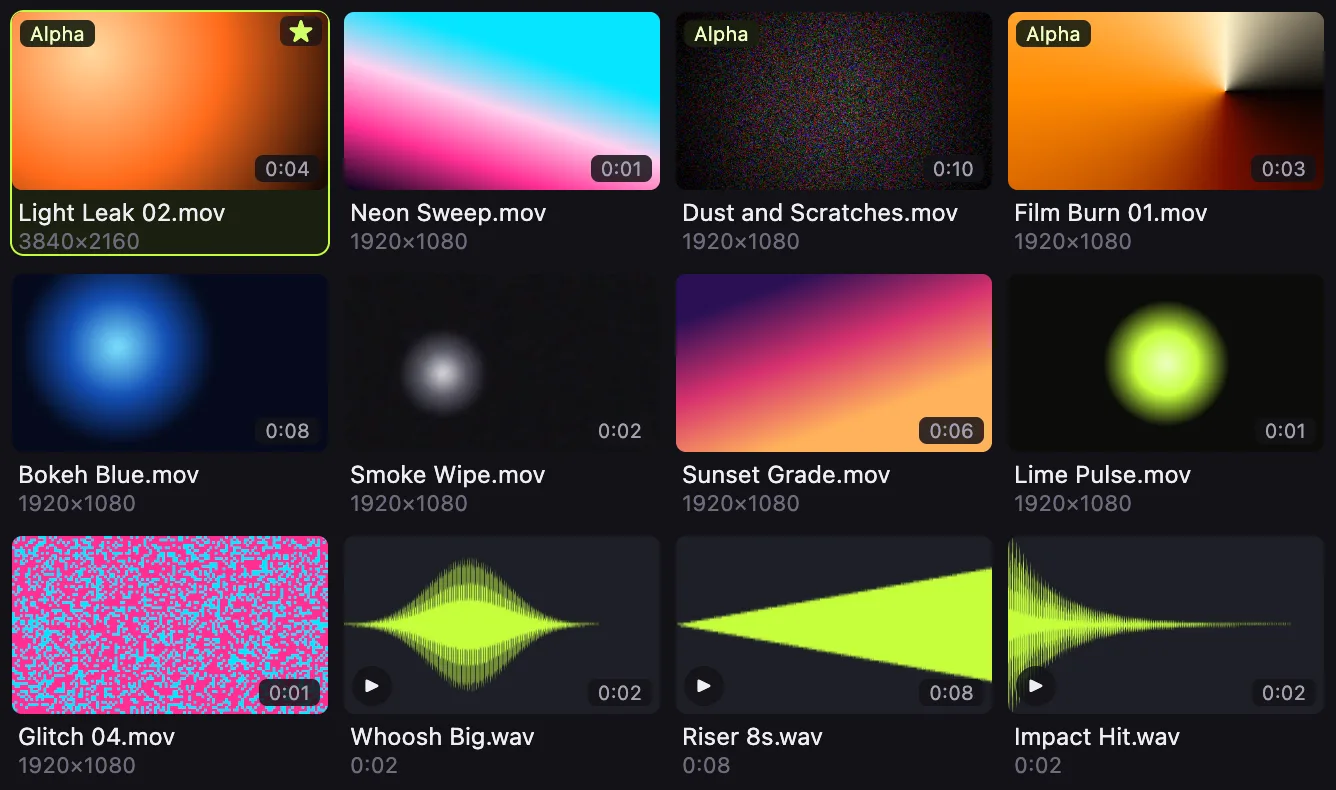
Download for MacPoint it at your folders and drives. Then search, preview and place your own transitions, overlays, sound effects, music, footage and images without leaving your edit.
- Version
- 0.1.0
- Released
- 15 October 2026
- Price
- Free to use
- Tested with
- Premiere Pro 26
Download
You download Goated Panels Hub. It installs Asset Library into Premiere Pro.
Download on your Mac. These files do not run on a phone.
- Download for Mac, Apple siliconGoated-Panels-Hub-0.1.0-arm64.dmg, 153 MB
- Download for Mac, IntelGoated-Panels-Hub-0.1.0-x64.dmg, 161 MB
Not sure which Mac you have? Open the Apple menu, then About This Mac. A Chip line that starts with Apple M means Apple silicon. A Processor line with Intel means Intel.
Windows: coming
What it does
- Search and preview inside Premiere Pro
- Thumbnails for footage and images, waveforms for audio, hover-scrub for video, and search across names and folders, in a docked panel.
- Place clips at the playhead
- Insert or overwrite at the playhead. One undo takes it back, and the same file is never imported twice.
- Your folders and drives, kept up to date
- It indexes video, audio and images from the folders and external drives you add, in the background.
- Your files stay where they are
- It never moves, renames, changes or deletes your files. No account, and no analytics.
Install on a Mac
- Download the .dmg for your Mac.
- Open the .dmg and drag Goated Panels Hub into Applications.
- Open Goated Panels Hub. The first time, macOS stops it. Follow the steps under "Opening it the first time".
- In the Hub, on Install, keep Premiere Pro selected and click Install Asset Library.
- Restart Premiere Pro, then open the panel from Window > Extensions > Asset Library.
Opening it the first time
The app is not code-signed or notarized by Apple yet, so macOS blocks it the first time you open it. These are Apple's steps to open it anyway.
- Try to open Goated Panels Hub once. macOS shows a warning. Close it.
- Open the Apple menu, then System Settings, then Privacy and Security.
- Under Security, click Open Anyway. The button shows for about an hour after you try to open the app.
- Enter your Mac login password and click OK. After that the app opens normally.